Data Backup & Disaster Recovery Planning Guide
Why Data Backup Matters
Backup and disaster recovery are investments in survival — not optional IT tasks. When a system goes offline, the cost ripples across four critical business dimensions. Understanding each one is the first step to building a compelling case for investment.
Financial Impact
Downtime costs, recovery fees, legal penalties and regulatory fines compound faster than most finance teams anticipate.
Operational Disruption
Halted services, inaccessible critical data, and broken workflows can stop an entire organisation within hours.
Reputational Damage
Customer trust is built over years and can be destroyed in a single breach notification email.
Competitive Disadvantage
While you rebuild, resilient competitors keep serving your clients and gaining market share.
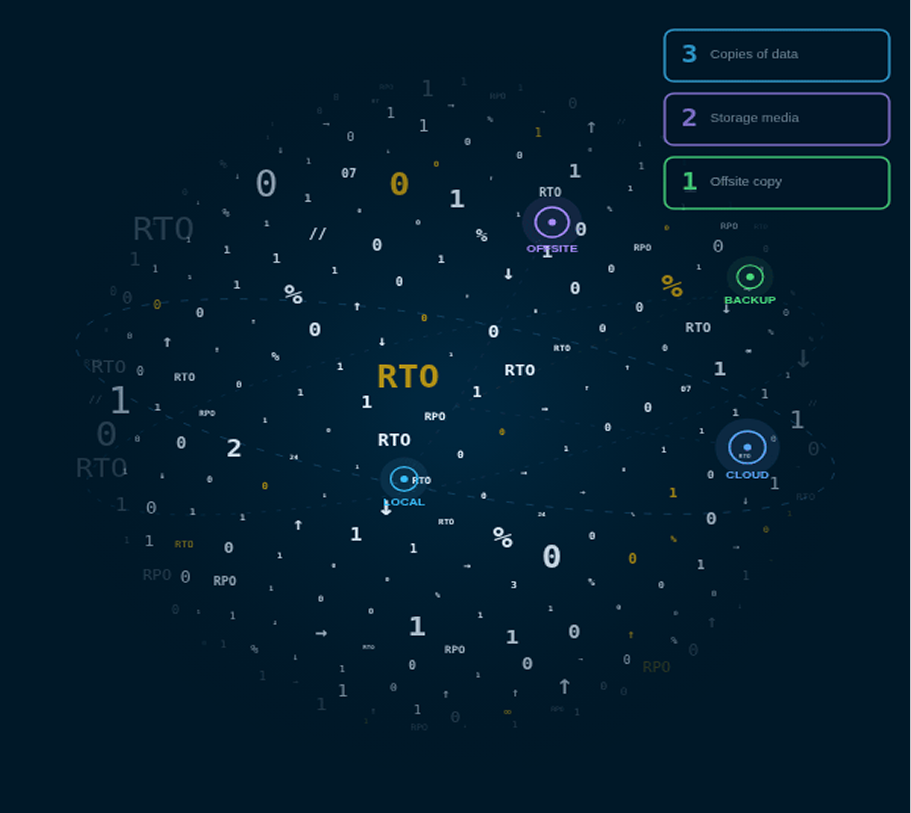
Understanding RTO & RPO
Before choosing a backup strategy, define what your business can tolerate losing — in time and in data.
Maximum acceptable downtime after a failure before business harm occurs.
Example: Back online within 4 hoursMaximum amount of data your business can afford to lose.
Example: No more than 1 hour of data lossBackup Strategies Compared
Three primary approaches exist. The right choice depends on your infrastructure, budget, recovery time requirements, and tolerance for risk. Compare them side by side before committing.
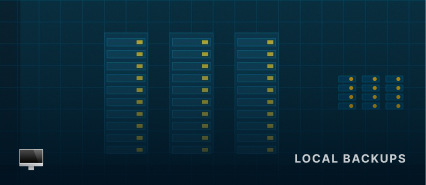
- PRO Fastest recovery — data is on-site and immediately accessible without internet
- PRO Lower ongoing costs once infrastructure is installed
- CON Fully exposed to physical disasters — fire, flood, theft
- CON Ransomware can encrypt on-site backups alongside live data
- CON Zero geographic redundancy

- PRO Offsite by default — fully protected from physical disasters
- PRO Scales elastically as your data and client base grows
- PRO Accessible from any location with internet connectivity
- CON Initial configuration and compliance setup is complex
- CON Ongoing costs grow proportionally with storage volume

- PRO Combines the speed of local with the resilience of cloud
- PRO Hot data stays local; cold data moves to cloud automatically
- PRO Best overall protection profile for enterprise workloads
- CON More complex policy management and initial setup
- CON Requires disciplined data classification to control costs
DR Planning & Testing
A Disaster Recovery Plan is a step-by-step roadmap for restoring IT systems after failure. A plan that has never been tested is not a plan — it is a liability disguised as one.
Clearly defined disaster scenarios and trigger conditions for activation
Step-by-step recovery procedures for each system and asset
Assigned roles, responsibilities, and clear decision owners
Escalation paths and emergency communication protocols
Complete vendor, supplier, and third-party contact directory
Post-recovery validation checkpoints and sign-off procedures
Why Regular Testing Is Non-Negotiable
- Run full simulations annually at minimum — quarterly for business-critical and regulated systems
- Surface and document weaknesses before a real incident forces you to find them under pressure
- Retrain staff and update procedures after every test — DR plans degrade without active maintenance
Business Continuity Planning
Recovery restores systems. Continuity keeps your business operating while that recovery happens. Planned together, they close every gap. Planned separately, they create dangerous blind spots.
Alternate Work Locations
Enable remote or alternate-site operations so staff stay productive regardless of whether the primary office is accessible or operational.
Reliable Communication
Deploy emergency tools that function completely independently from your primary phone and email infrastructure — the systems most likely to fail first.
Key Personnel Mapping
Know exactly who is essential during a crisis and ensure their contacts are stored in systems that will survive the incident.
Vendor Coordination
Align supply chain partners on continuity planning. A vendor who goes silent during your crisis can turn a recoverable incident into a catastrophic one.
Need Dedicated DR Engineers
for Your Clients' RTO/RPO?
The best DR plan is useless without the engineers to build, test, and maintain it. MAGN Intel supplies L2/L3 specialists for 24/7 coverage, continuous DR testing, and ongoing optimisation.